Choose the recording
Use a browser-supported audio file. On memory-limited devices, shorter files and the balanced model are more reliable.
Audio to text converter
Choose an MP3, WAV, M4A, FLAC, OGG or WebM recording. EarScribe detects the spoken language, creates timestamped text, and lets you search, edit, replay and export the result without uploading the audio.
Review the transcript before you export
Use a browser-supported audio file. On memory-limited devices, shorter files and the balanced model are more reliable.
Most users can keep the balanced setting. Advanced model choices stay hidden until you need them.
Search the transcript, edit names or technical terms, replay uncertain lines, then export the format your next tool needs.
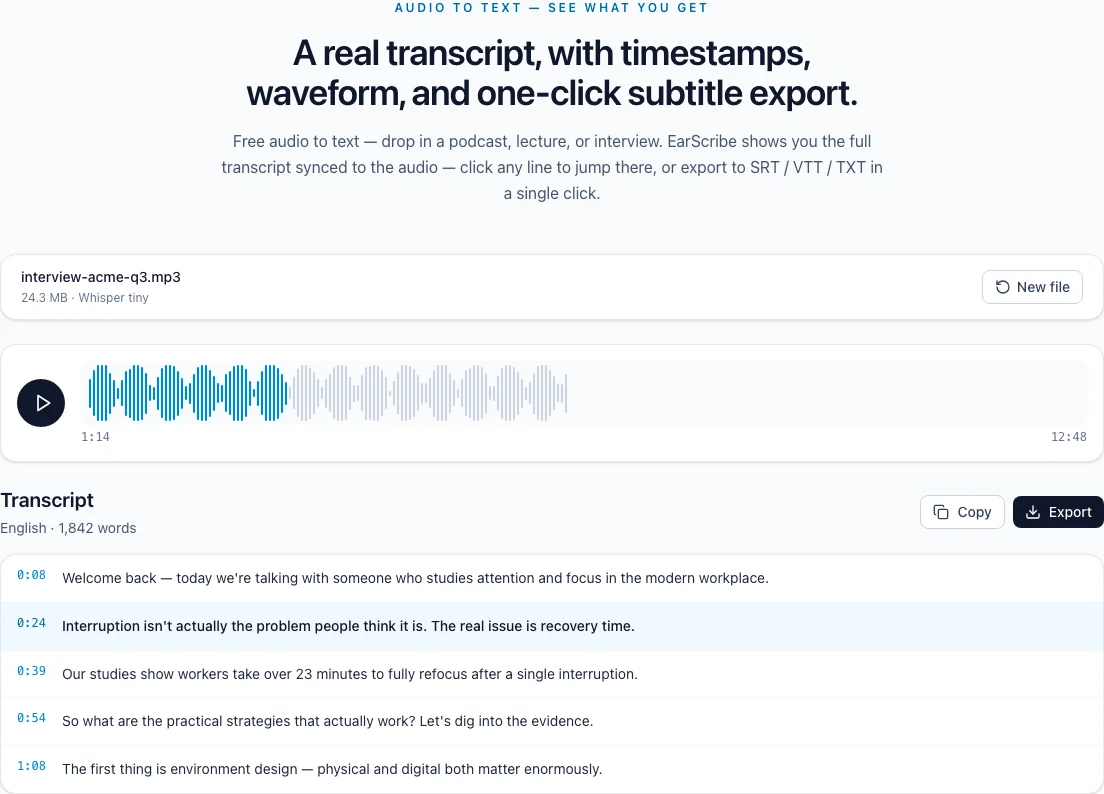
audio to text with timestamps
A useful transcript is more than a paragraph of guessed words. It gives you a way back to the recording, so you can verify a quote, fix a name, or find the exact moment before you share it.
MP3, WAV, M4A, FLAC, OGG and WebM files can be selected directly. Clear speech and a microphone close to the speaker usually improve the result more than a larger model does.
The first run downloads the selected Whisper model. After that, the browser may reuse its cache. Long files still depend on available device memory, so trimming long silence is a practical first step.
Search the transcript for a person, number or phrase, then click its timestamp to replay the matching audio. This is the fastest way to catch a plausible-looking mistake that spellcheck would miss.
For publication, compare names, dates, prices and specialist terms with the source. EarScribe helps you locate the evidence; it does not replace a human review of important claims.
Use TXT when you need a clean document, SRT or VTT when the timing must travel with subtitles, and JSON when you need the raw segments and timing for another workflow.
Edits made in the workspace are used by copy and export, so you can correct the transcript once instead of repairing several downloaded files.
Review the transcript before you export
Replay every person, company and place name that matters to the story.
Check dates, prices, measurements and percentages against the audio.
Listen to the sentence before and after an excerpt you plan to quote.
Choose TXT, SRT, VTT or JSON based on the next tool, not the file extension you started with.
Clear speech and lower background noise usually matter more than choosing the largest model.
For interviews, keep speakers close to the microphone and avoid music underneath speech.
Check names, numbers and specialist terms against the recording before publishing.
EarScribe accepts common browser-playable formats including MP3, WAV, M4A, OGG, FLAC and WebM.
No. Whisper detects the language from the recording. You can verify the detected language in the result workspace.
Yes. Edit individual timestamped sections, search the text, replay the matching audio and export the edited version.