Find the moment behind the text
Search the transcript and click any timestamp to replay the matching part of the recording.
EarScribe
EarScribe turns recordings into searchable, timestamped transcripts and subtitles without putting account setup before the result.
The workflow starts with a recommended quality setting. Search, replay, and editing stay simple, while model comparison and subtitle checks appear only when you need them.
Built on Transformers.js, ONNX Runtime Web and the open-source Whisper models from OpenAI.
From recording to usable result
Search the transcript and click any timestamp to replay the matching part of the recording.
Start with the balanced recommendation, then open advanced choices only when you need a smaller download or higher accuracy.
Use interviews, lectures, and podcasts in supported Whisper languages without choosing the language first.
Correct names, quotes, numbers, and terminology in the workspace before copying or exporting.
Review long, fast, repeated, empty, or overlapping cues and improve line breaks before export.
Copy the finished text or download TXT, SRT, VTT, or JSON. Free, unlimited, and no account required.
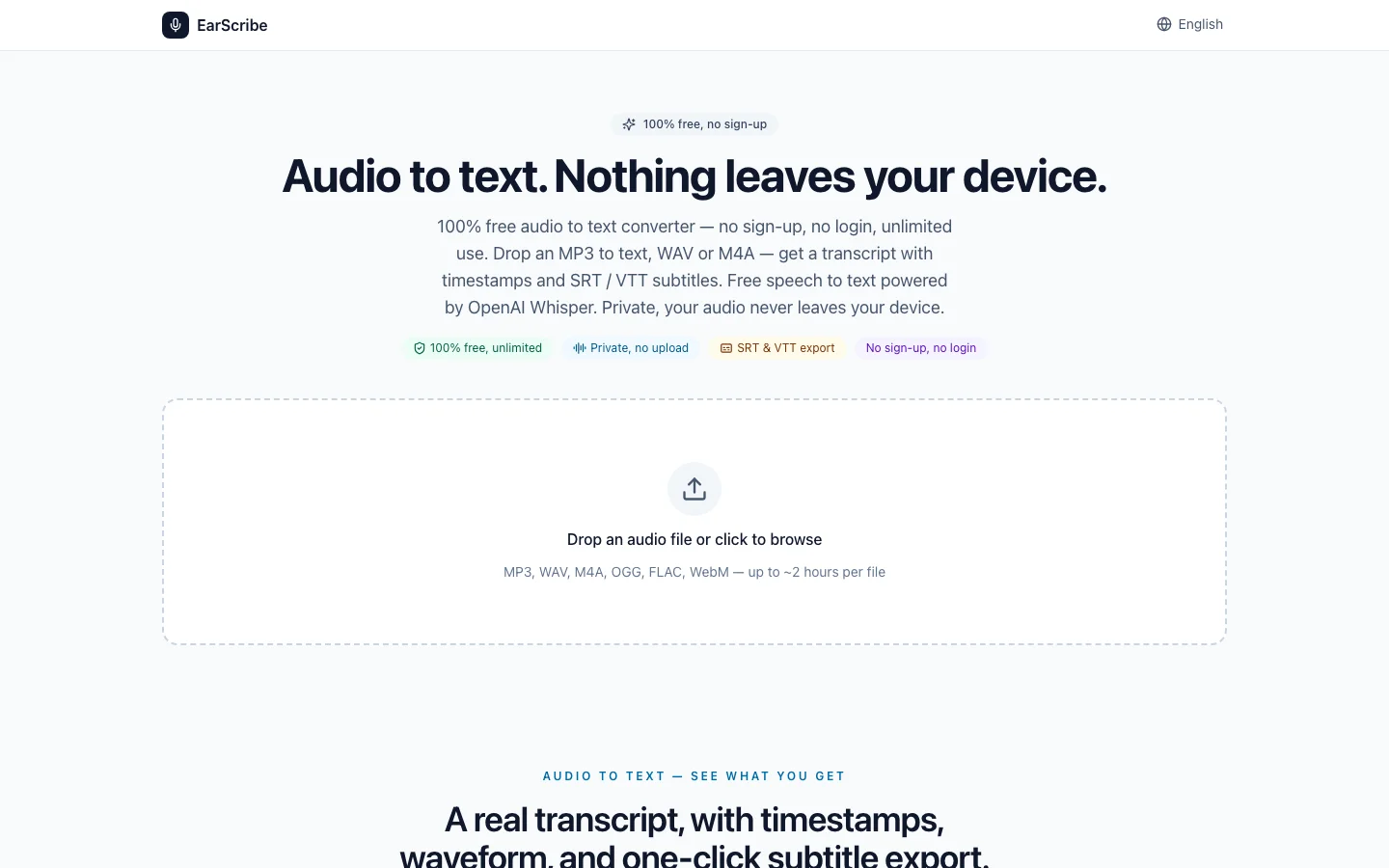
Free unlimited audio to text converter — no sign-up, no account. If you can play it, EarScribe converts your audio to text: MP3 to text, WAV to text, M4A to text, and more.
Free audio to text in Whisper's 99 supported languages. The model picks the right one from the first few seconds of audio.
browser audio transcription tool
Many audio-to-text tools stop when a paragraph appears. EarScribe is designed for the next question: which moment in the recording supports this line? Searchable segments, clickable timestamps and in-place editing keep the source close to the words you plan to copy or publish.
That makes the product a good fit for one recording that needs careful review: an interview quote, a lecture term, a podcast excerpt or a subtitle file. It is deliberately simpler than a team meeting suite and more complete than a raw transcription API response.
02
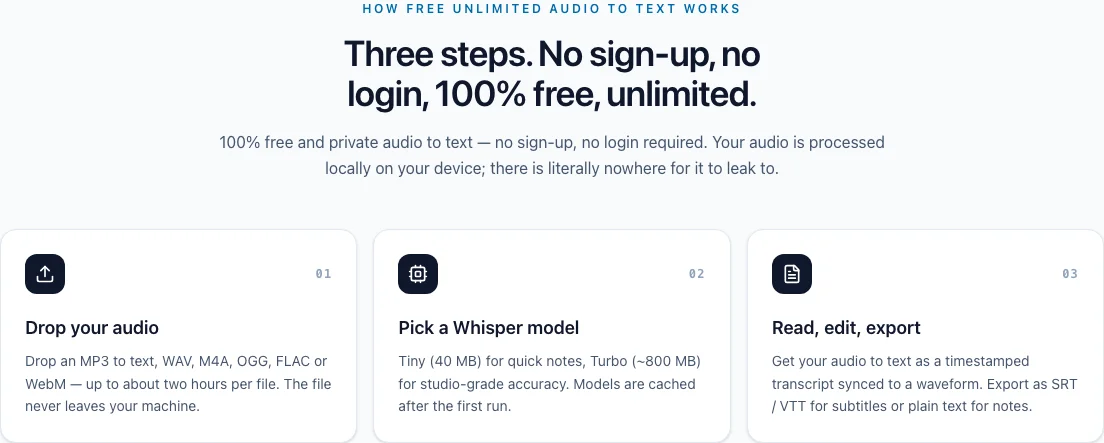
The browser decodes the selected audio and runs the chosen Whisper model through Transformers.js and ONNX Runtime Web. The file is not sent to an EarScribe upload queue. The first run downloads a model to the browser cache; later runs may reuse it on the same device and browser.
Local processing is a useful reduction in upload exposure, not a claim that every browser session is private by magic. Device security, extensions, browser storage and exported files still matter. The practical limit is available memory and compute, so a smaller model or a shorter file can be the right choice on an older phone.
03
Most clear speech works well with the balanced model. Tiny is useful when speed and a small download matter; Small can help with accents or noise when the device has room; Turbo is the most demanding option and benefits from WebGPU. The model picker shows the trade-off instead of forcing beginners to compare four downloads before they can start.
No model can recover words hidden by clipping, music or overlapping speakers. Recording quality, microphone distance and a final listen-through often improve the outcome more than moving up one model size.
04
Use EarScribe when you want to review and export a recording yourself. A hosted team product may be better when you need shared projects, retention policies or automatic speaker management. A transcription API may be better when the result must be generated inside your own application.
EarScribe does not promise real-time classroom captions, automatic speaker labels, AI meeting summaries, video caption burning or direct publishing. Those boundaries keep the page honest and tell you when to choose a different tool before you spend time processing the file.
browser audio transcription tool
Choose the workflow that fits the job
Compare a browser workspace, a transcription API, and hosted transcription software by the work each one is designed to support.
| Capability | EarScribe | Transcription API | Hosted software |
|---|---|---|---|
| Start without an account | Yes | No | No |
| Use without API integration | Yes | No | Yes |
| Editable transcript workspace included | Yes | No | Yes |
| Where you work | In the browser | In your product | In a hosted app |
| Timestamped text included | Yes | Yes | Yes |
| Click timestamps to replay audio | Yes | No | Yes |
| Model choice | Yes | Yes | Varies |